 PulsePom
Get it on your PC
- Microsoft Store: get PulsePom from Microsoft. It opens in its own window, like any Windows app.
- Or in your browser: open pulsepom.io in Edge or Chrome and use Install in the address bar.
The timer starts without an account. Sign in, free, with email, Google or Microsoft to sync your sessions with your phone.
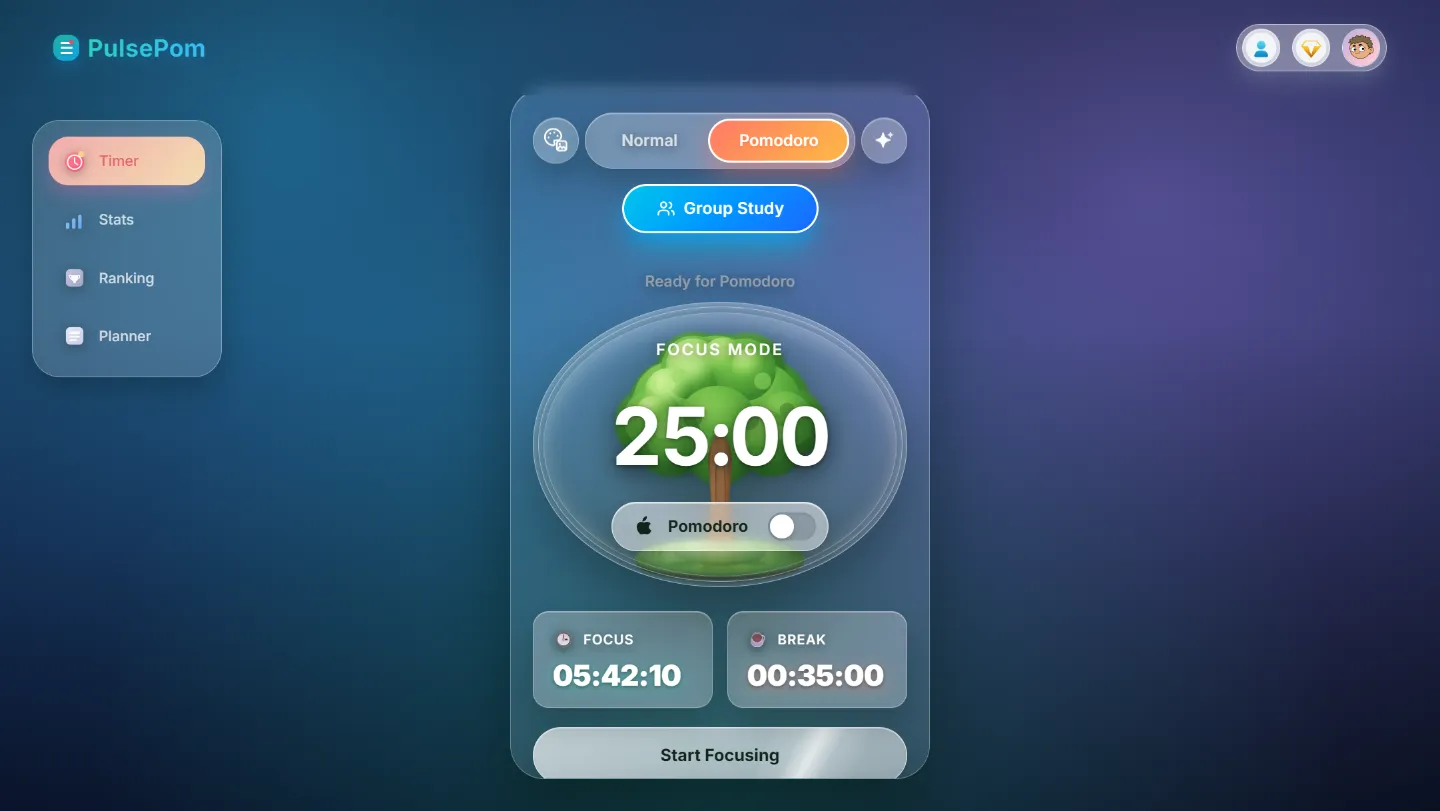
A timer that stays in sight
While a timer runs, a small floating timer stays on top of your other windows, with Pause and Stop beside the time. Ten seconds after you switch to another window it folds down to just the time; click it to open it again. You can turn it off in Profile & Settings. More about the floating timer.
Built for long study sessions on a PC
- Pomodoro or Normal: focus sessions with short and long breaks, or a stopwatch for open-ended work.
- Your own lengths: set focus, short-break and long-break times, and how many sessions come before a long break.
- Nine focus scenes: Aurora, Forest, Sunset, Ocean, Midnight, Daylight, Sakura, Matcha and Lavender.
- Stats: a study heatmap, an hour-by-hour chart of the day, your streak, and totals by subject and task.
- Planner and habits: lists, a Board view, and weekly and monthly habit tracking.
- Study groups: study with friends, chat and climb the leaderboard.
- Works offline: the Timer, Stats and Planner keep working without a connection.
Your phone too
The same account works in PulsePom's Android app, where the timer keeps running with your phone locked and can block distracting apps and Shorts during focus. A session on your PC and a session on your phone add up in the same stats.
Honest limits
- The app blocker is Android-only: the Windows app doesn't block other programs or websites.
- There are no focus sounds, such as white noise.
FAQ
Is there a free Pomodoro timer for Windows?
Yes. PulsePom is free on the Microsoft Store, with no ads. Premium is optional and adds the PulsePom AI study coach and Calendar Pro.
Can a Pomodoro timer stay on top of other windows on Windows?
Yes. PulsePom's floating timer stays on top of your other apps and windows while a timer runs, in the Windows app and in Chrome, Edge and Firefox on a computer.
Does PulsePom for Windows work offline?
Yes. Once it has opened, the Timer, Stats and Planner keep working with no connection.
Does it sync with my phone?
Yes. Sign in with the same account on Windows and Android, or in any browser, and your sessions, tasks, habits and stats sync between them.